0 of 0

Run the DevOps UI in Docker

Beginner
~5 min

Introduction

CURRENT

THE SCENARIO

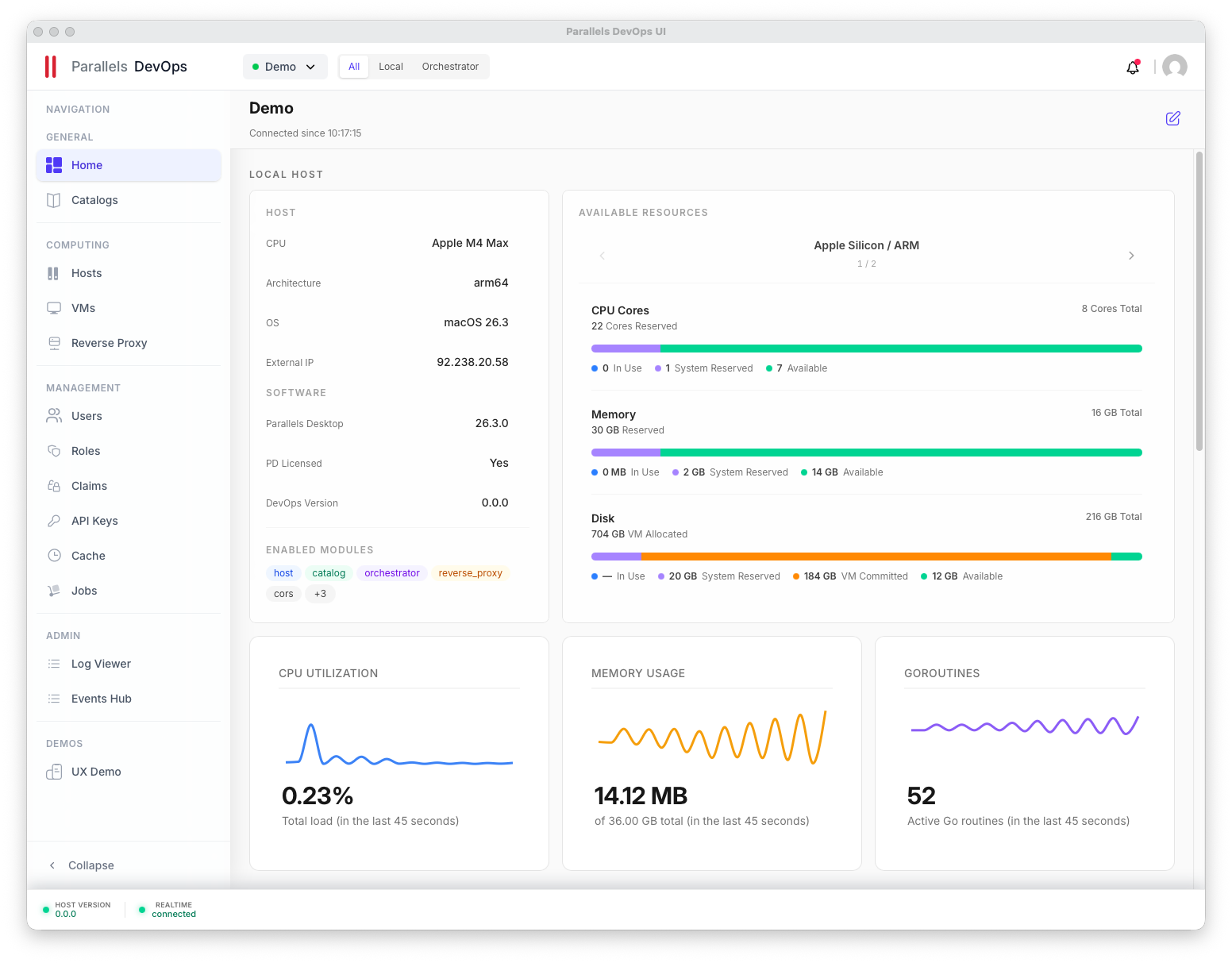
While the prldevops CLI and REST API are powerful on their own, the Parallels DevOps UI provides a unified visual dashboard for managing your host fleet, configuring virtual machines, and browsing your Catalog. In this use case, you will pull the official Docker image, run the UI container, and securely link it to the backend service you configured in the previous step.
KEY OUTCOMES

  • Pull the Parallels DevOps UI Docker image
  • Start the UI container with the correct port mappings
  • Link the container to your existing local API
  • Access the visual dashboard from your browser
PREREQUISITES
MANDATORY
  • Docker Desktop or Docker Engine installed and running
  • Parallels DevOps Service actively running on `http://localhost:80`
Run the DevOps UI in Docker
Loading…